
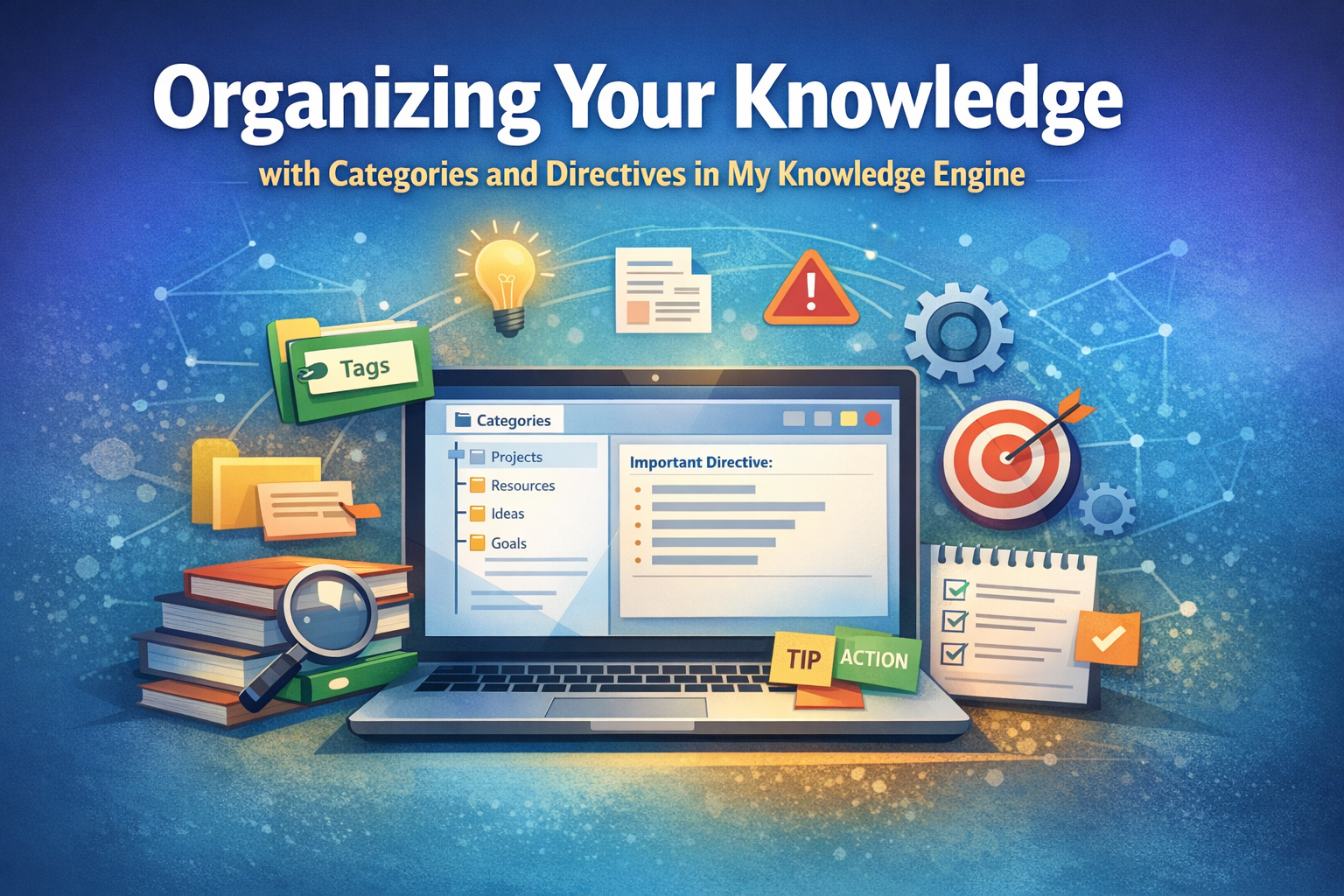
A category acts as a routing signal. It tells the system:
- how to group your entries
- how to filter and retrieve them
- how to apply the right Directive
- how to maintain structure as your knowledge grows
Instead of becoming a messy pile of notes, your Knowledge Engine becomes a living, organized system.
🗂️ Using Categories to Group Related Ideas
The simplest way to use categories is to group content by topic. This helps you build collections of knowledge around the areas that matter most.
Examples:
- Productivity
- Personal Growth
- Business Development
- Health
- Creativity
When you filter by a category, you instantly see everything connected to that theme.
🧩 Using Categories to Trigger Different Directives
This is where the system becomes powerful.
A Directive defines how the system should respond.
A Category tells the system which Directive to use.
For example:
- Category: Reflection → Directive: “Help me think through this.”
- Category: Planning → Directive: “Turn this into a clear plan.”
- Category: Decision‑Making → Directive: “Help me evaluate options.”
- Category: Ideas → Directive: “Expand and explore this concept.”
This lets you route the same type of input through different mental modes.
🧱 Using Categories to Structure Your Workflow
Categories can represent stages in a process, giving your system a natural flow.
Examples:
- Capture
- Clarify
- Organize
- Review
- Act
This mirrors productivity frameworks like GTD and helps you move ideas from raw capture to meaningful action.
🧠 Using Categories to Apply Mental Models
Some users categorize entries by the thinking framework they want to apply.
Examples:
- First Principles
- SWOT
- Eisenhower Matrix
- SMART Goals
- 5 Whys
This turns your Knowledge Engine into a flexible reasoning partner.
🏷️ Using Categories to Identify Content Type
Categories can also describe what kind of entry you’re creating.
Examples:
- Task
- Note
- Question
- Insight
- Quote
- Idea
This makes it easier to filter and retrieve information later.
🔧 Using Categories to Control Tone or Perspective
Categories can even shape the voice of the Directive.
Examples:
- Coach
- Analyst
- Mentor
- Friend
- Strategist
This gives you different styles of guidance depending on what you need.
🧬 Using Categories as Custom Buckets
Finally, categories can be completely personal.
Examples:
- 2026 Goals
- Business Systems
- Personal Development
- Mindset Shifts
- Relationship Growth
These custom categories evolve with your life and priorities.
⭐ Bringing It All Together
When you combine Categories with Directives, you create a system that:
- organizes itself
- adapts to your thinking style
- routes information intelligently
- grows with your goals
- keeps your knowledge clean and searchable
This is the heart of My Knowledge Engine: a personal system that becomes more powerful the more intentionally you use it.